
Micro-animations That Keep Hong Kong Moving
Fast, delightful, and respectful of your users’ attention. Loading states, transitions, and micro-interactions designed for speed.
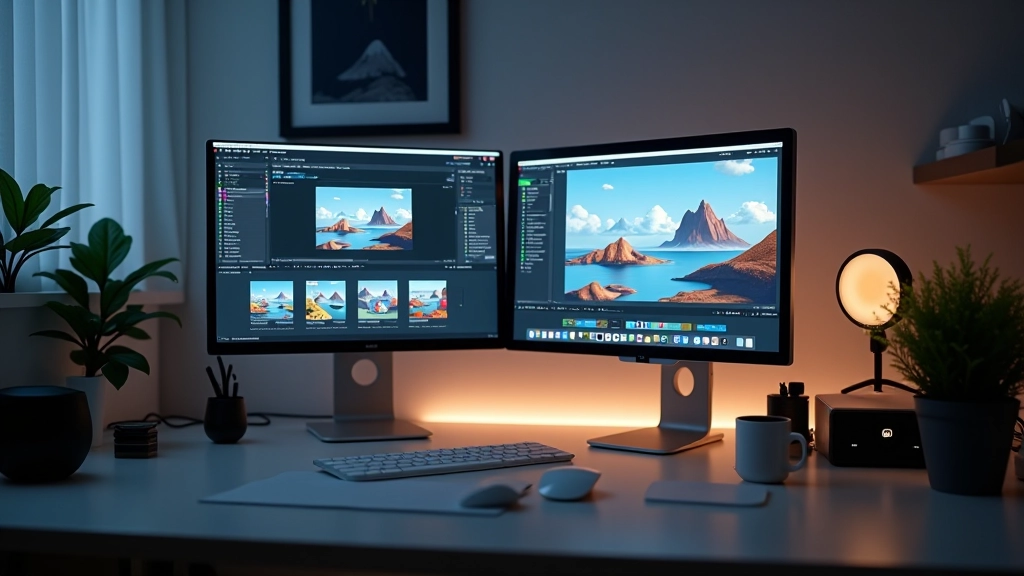
Why Micro-animations Matter in Hong Kong
Hong Kong moves fast. Your users do too. They’re not waiting for sluggish animations or slow loading states.
We design animations that feel snappy and responsive. Every frame counts. Every millisecond matters. Skeleton screens that look like part of your brand, page transitions that don’t feel like interruptions, and micro-interactions that guide users without slowing them down. It’s about respecting attention spans while creating moments of delight.
The goal isn’t animation for animation’s sake — it’s purposeful motion that improves the experience and keeps pace with Hong Kong’s digital culture.
Speed First
Animations under 300ms. Loading states under 500ms. Nothing that slows users down.
Branded Moments
Skeleton screens that feel like your product, not generic placeholders.
Clear Feedback
Users always know what’s happening — loading, transitioning, complete.
The Difference Micro-animations Make
Left: Generic. Right: Thoughtfully designed.
Questions About Micro-animations
Common questions designers and developers ask us
How long should a loading animation last?
We typically keep them under 500ms total. Anything longer feels like the app is stuck. The goal is to acknowledge the action without making users wait.
Can we use animations on slower connections?
Yes. Use prefers-reduced-motion queries and test on 3G. The animation itself is lightweight — it’s the data loading that takes time. We design around that reality.
What makes a skeleton screen feel branded?
Color, proportion, and subtle motion. Match your brand colors, keep proportions accurate, and add a subtle pulse or shimmer that reflects your design language.
Do page transitions actually help UX?
When done right, yes. A smooth transition tells users they’ve moved to a new page. It provides context and makes navigation feel intentional rather than jarring.
How do we test animation performance?
Chrome DevTools Performance tab, 6x CPU throttle, and real devices. If your animation drops frames on a mid-range phone, it’s too complex.
What’s the difference between micro and macro animations?
Micro happens on individual elements — button hovers, loading spinners. Macro is full-page transitions. We focus on micro because that’s where fast interactions matter most.
Resources We’ve Created
Tools and guides for designers building in Hong Kong
Animation Guidelines
Code Snippets
Best Practices
Video Tutorials
Explore Our Latest Guides
Practical techniques and strategies for your projects
Building Branded Skeleton Screens That Work
How to design loading states that feel like part of your brand identity rather than interruptions. Keeps users engaged while content loads.
Read Guide
Smooth Page Transitions That Don’t Slow You Down
Implementing transitions that feel snappy and responsive. Three techniques that work in Hong Kong’s fast-paced environment without adding latency.
Read Guide
Timing Micro-animations for Maximum Impact
Why milliseconds matter. Guidelines for animation duration that keeps users engaged without feeling sluggish or too slow for today’s expectations.
Read Guide