
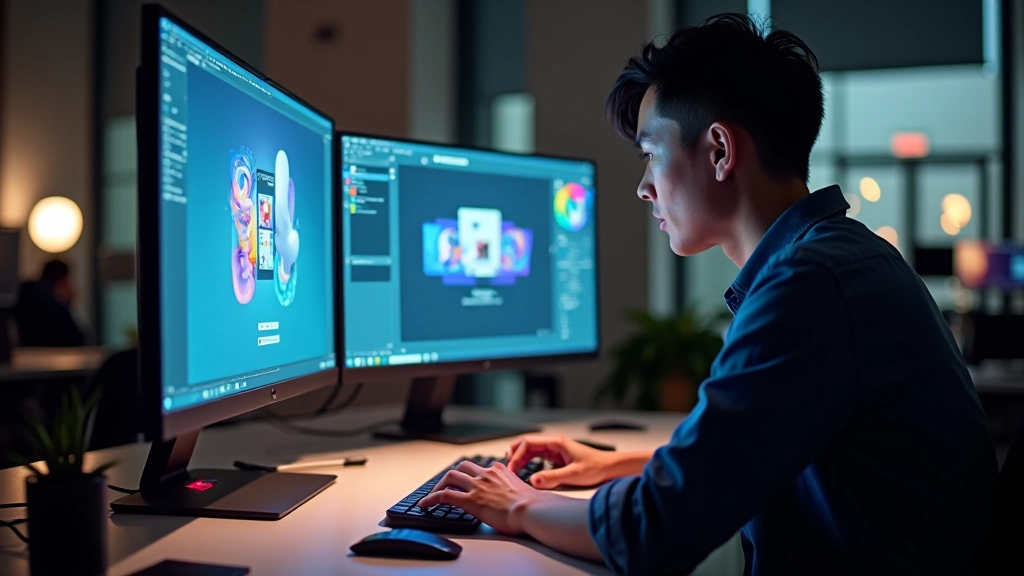
Building Branded Skeleton Screens That Work
How to design loading states that feel like part of your brand identity rather than interruptions. Keeps users engaged while content loads.
Read MoreCreating delightful animations for fast-paced Hong Kong web applications that respect users’ short attention spans
4 Essential Articles
Explore techniques and best practices for animation design in high-speed digital environments
How to design loading states that feel like part of your brand identity rather than interruptions. Keeps users engaged while content loads.
Read More
Implementing transitions that feel snappy and responsive. Three techniques that work in Hong Kong’s fast-paced environment without adding latency.
Read More
Why milliseconds matter. Guidelines for animation duration that keeps users engaged without feeling sluggish or too slow for today’s expectations.
Read More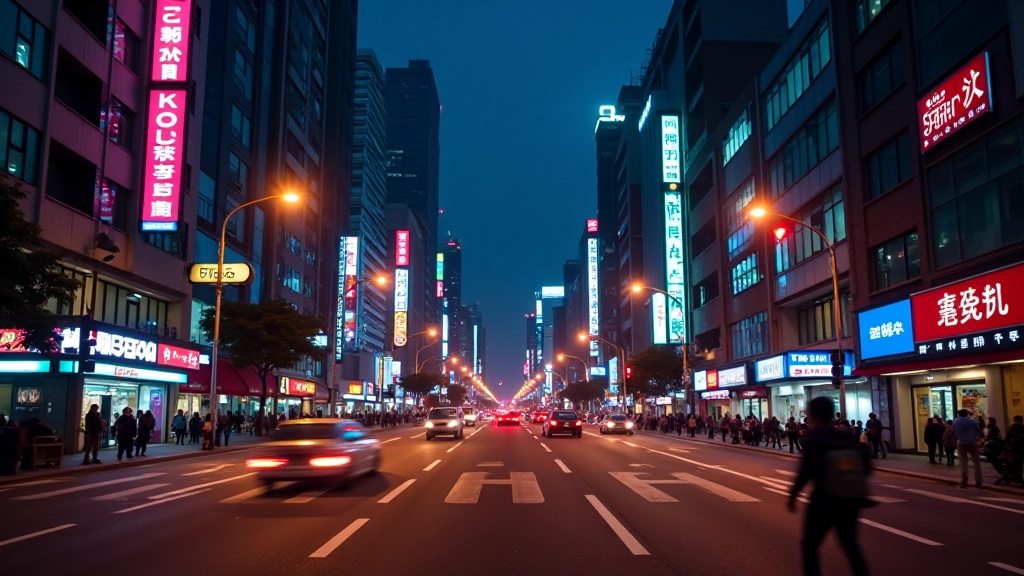
Understanding the fast-paced digital culture and how it shapes animation design decisions. What works in Hong Kong might feel too slow elsewhere.
Read MoreKey principles to remember when designing animations for high-speed environments
Animations longer than 400 milliseconds start to feel slow. Most micro-interactions should finish in 150-300ms for perceived snappiness.
Ease-out for entrances, ease-in for exits. Avoid linear timing for most animations — it feels robotic and unnatural.
Don’t just use generic gray placeholders. Incorporate brand colors, patterns, or subtle animations to make loading feel intentional.
Your animations need to feel responsive even on 4G. Optimize animation complexity to prevent jank on mid-range devices.
Always include a fallback for users with motion sensitivity. Instant state changes should still feel responsive without animation.
Don’t animate everything. Focus on the most important interactions. Multiple simultaneous animations feel chaotic.
In Hong Kong, we don’t have time for slow. Every animation is a promise — a promise that your interface respects the user’s pace. When you get the timing right, people don’t notice the animation. They just feel like the app understands them. That’s when you’ve succeeded.
The difference between a good app and a great app often comes down to milliseconds. In fast-paced markets like Hong Kong, users expect responsiveness. They’re not waiting for your animations — they’re evaluating whether your app respects their time. Micro-animations aren’t decoration. They’re communication.