Building Branded Skeleton Screens That Work
How to design loading states that feel like part of your brand identity rather than interruptions. Keeps users engaged while content loads.

Why Skeleton Screens Matter
Loading states are unavoidable. Every application needs to fetch data, process it, and display it. The question isn’t whether your users will see a loading state — it’s what they’ll see when they do.
In Hong Kong’s fast-paced digital environment, users don’t have patience for generic loading spinners. They’ve got notifications pinging, messages arriving, and ten other apps ready to grab their attention. When your app shows a bland loading bar or a spinning circle, you’re basically telling them “wait here while nothing happens.”
Skeleton screens change that dynamic. Instead of a blank space, you’re showing the shape of what’s coming. Users see the layout structure instantly. They understand what content will appear and where. And here’s the thing — if you design it right, the skeleton screen doesn’t feel like a delay. It feels like the app is actively loading something interesting.

The Psychology of Visual Scaffolding
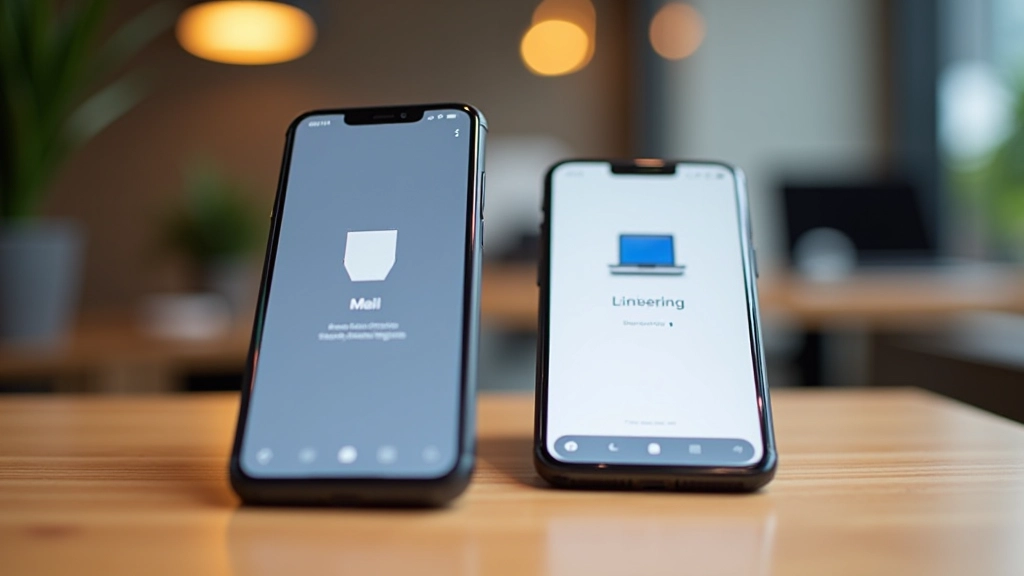
There’s actual psychology behind why skeleton screens work. When users see the structure of incoming content, their brains register it differently than a blank screen. They’re not waiting — they’re previewing.
Research shows that perceived load time matters more than actual load time. A skeleton screen that takes 800 milliseconds to load feels faster than a spinner that takes 500 milliseconds. Why? Because the user’s brain is engaged. They’re already imagining what content will fill those shapes.
But here’s where branding comes in. If your skeleton screen looks generic — just gray boxes and lines — it’s wasted potential. You’re not leveraging that psychological advantage. The skeleton should reflect your brand’s personality, color palette, and visual language.
Design Note
Skeleton screens work best when they’re lightweight — typically 2-4KB of markup. They shouldn’t require additional HTTP requests or heavy JavaScript processing. The goal is to show structure instantly while the real content loads in the background.
Building Branded Skeletons: Three Approaches
There’s no single “correct” way to build a skeleton screen. Different approaches work for different use cases. Let’s break down the three most practical methods you’ll use in real projects.
Approach 1: CSS-Only Placeholders
The simplest approach uses pure CSS with placeholder elements. You create div elements that match the shape and size of your actual content. Then you style them with a light background color and optional shimmer animation.
This method is fast — no JavaScript required. You’re rendering semantic HTML elements styled with CSS. The skeleton markup loads instantly because it’s already in your initial page HTML. When the real content arrives, you swap out the skeleton and display the actual data.
Approach 2: SVG Overlays
For more complex layouts, SVG provides precise control. You can create an SVG that matches your exact content structure — curved corners, specific spacing, brand-specific shapes. SVG scales infinitely and keeps file size tiny.
The trade-off? You’re writing more code. SVG requires careful measurement to ensure the skeleton matches your actual layout. But when done right, SVG skeletons look polished and intentional.
Approach 3: Content-Aware Generation
The most sophisticated approach generates skeletons based on your actual content. You define the content schema, and the skeleton auto-generates placeholder shapes that match. This is powerful because your skeleton always aligns with your content structure.
Tools like React Skeleton and similar libraries automate this. You write once, and the skeleton adapts to different content types automatically. It’s more work upfront, but it scales beautifully across your application.


Animation Duration and Timing
Here’s something most people get wrong: skeleton screens shouldn’t animate continuously. That shimmer effect you see everywhere? It should be subtle and brief, not a never-ending pulse.
In Hong Kong’s context, where users are conditioned to fast interactions, continuous animations feel slow. A skeleton that pulses for 3 seconds feels like an eternity. Instead, consider these timing guidelines:
Fast content (under 400ms): No animation needed. Static skeleton is fine.
Normal content (400-1200ms): Single shimmer sweep from left to right. One pass, then subtle pulse.
Slower content (1200ms+): Repeating shimmer every 1.5-2 seconds. This signals that loading is ongoing.
The key is psychological signaling. You’re not trying to distract the user — you’re confirming that the app is responsive and working. A brief animation achieves this better than constant motion.
Also consider the actual loading pattern. If your content loads in chunks (header first, then images, then comments), your skeleton should reflect that progression. Show the header skeleton first, then fade in the image skeleton, then add comment skeletons. This mirrors the real content arrival.
Brand Integration: Making Skeletons Feel Intentional
This is where most skeleton screens fail. They look generic because designers treat them as throwaway loading indicators. But they’re not. They’re the first thing users see of your content.
To make your skeleton feel branded, start with these specific elements:
Color: Use your primary or secondary brand color in the skeleton, but at reduced opacity. If your app uses blue for accents, make the skeleton shapes light blue. Users immediately recognize it’s your app.
Shape Language: If your brand uses rounded corners, your skeleton shapes should too. If your design emphasizes angular elements, keep that in the skeleton. Consistency builds recognition.
Micro-details: Add small branded touches. A subtle logo in the corner. A brand-color border around key sections. These details take seconds to implement but transform the perception.
The goal isn’t to make the skeleton beautiful — it’s to make it recognizable as yours. When users see it, they should think “Oh, that’s [your app]. Loading now.” Not “generic loading screen.”

Building Skeletons That Work
Skeleton screens aren’t decorative. They’re functional design elements that shape how users perceive your app’s speed and responsiveness. Done right, they’re invisible — users barely notice them because the content loads so naturally. Done wrong, they’re painful — generic and slow-feeling.
The difference isn’t technical complexity. It’s intentionality. You’re not just filling time while content loads. You’re actively engaging the user with a preview of what’s coming. And when that skeleton reflects your brand’s visual language, you’re doing something stronger — you’re building trust and recognition.
Start simple. Build CSS-only skeletons first. Measure how they perform. Then add animations, colors, and brand elements. You’ll find that the investment in skeleton design pays off in user satisfaction and perceived performance. In Hong Kong’s competitive app market, that difference matters.